Advanced Tools for Adobe Substance 3D Painter
Advanced Tools for Adobe Substance 3D Painter.
Upgrade your texturing workflow with this set of tools!
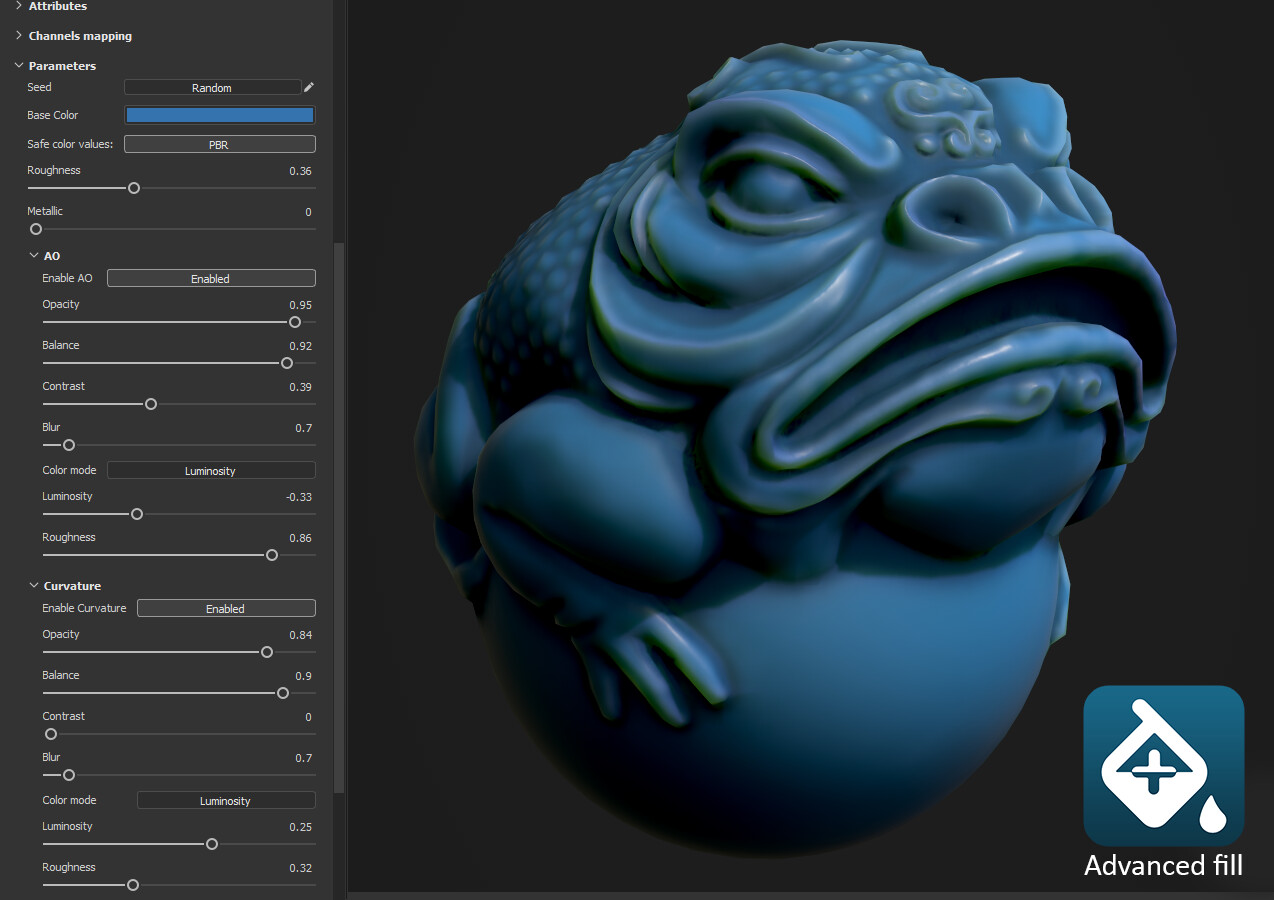
Advanced fill layer: This base material acts as a fill layer. It adds the possibility to have AO and Curvature definition from de base. A very good starting point for your stylized materials or just to give more depth to the photorealistic ones!
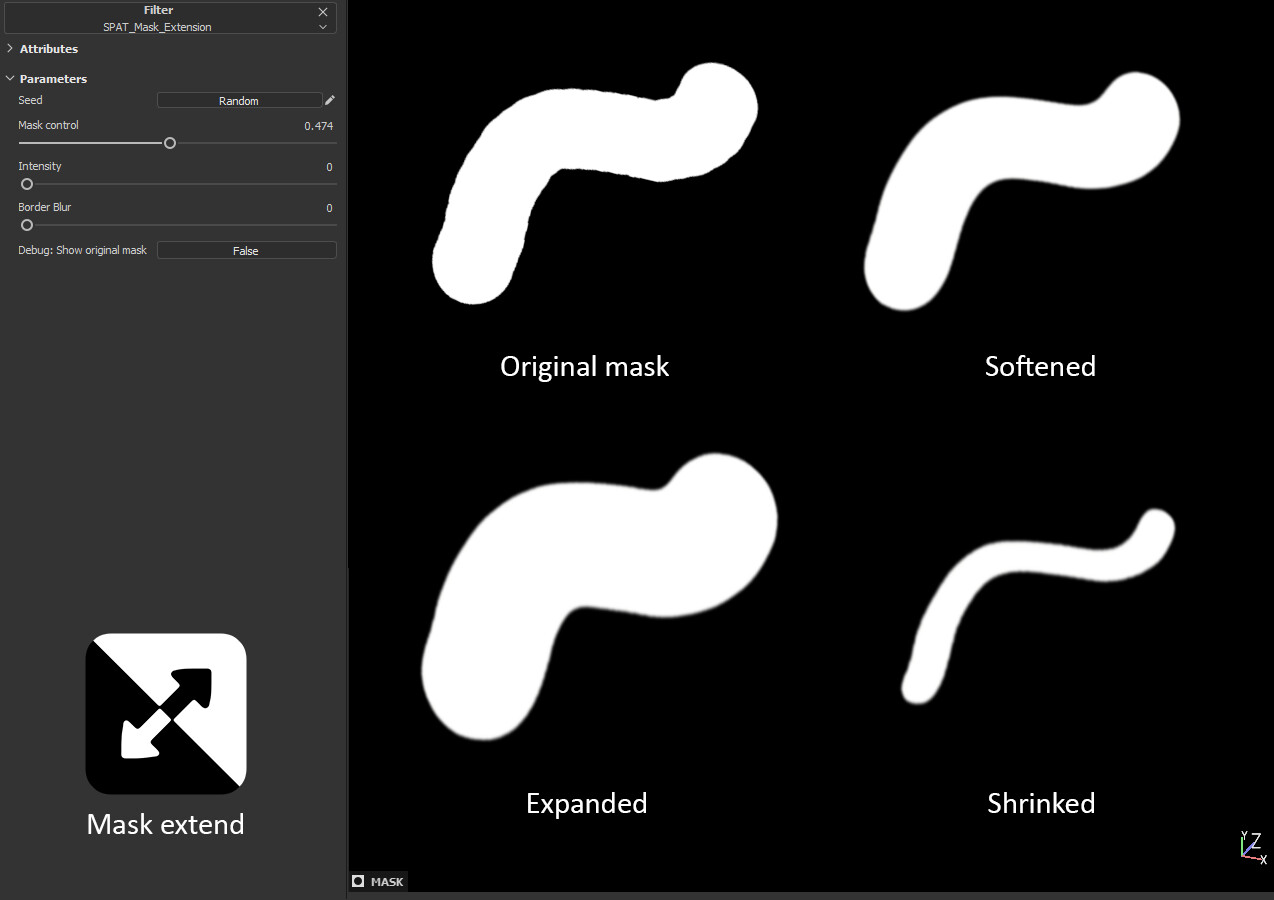
Mask extension: Expand or shrink your mask with a slide. It can also be used to smooth mask limits and hand painted strokes.
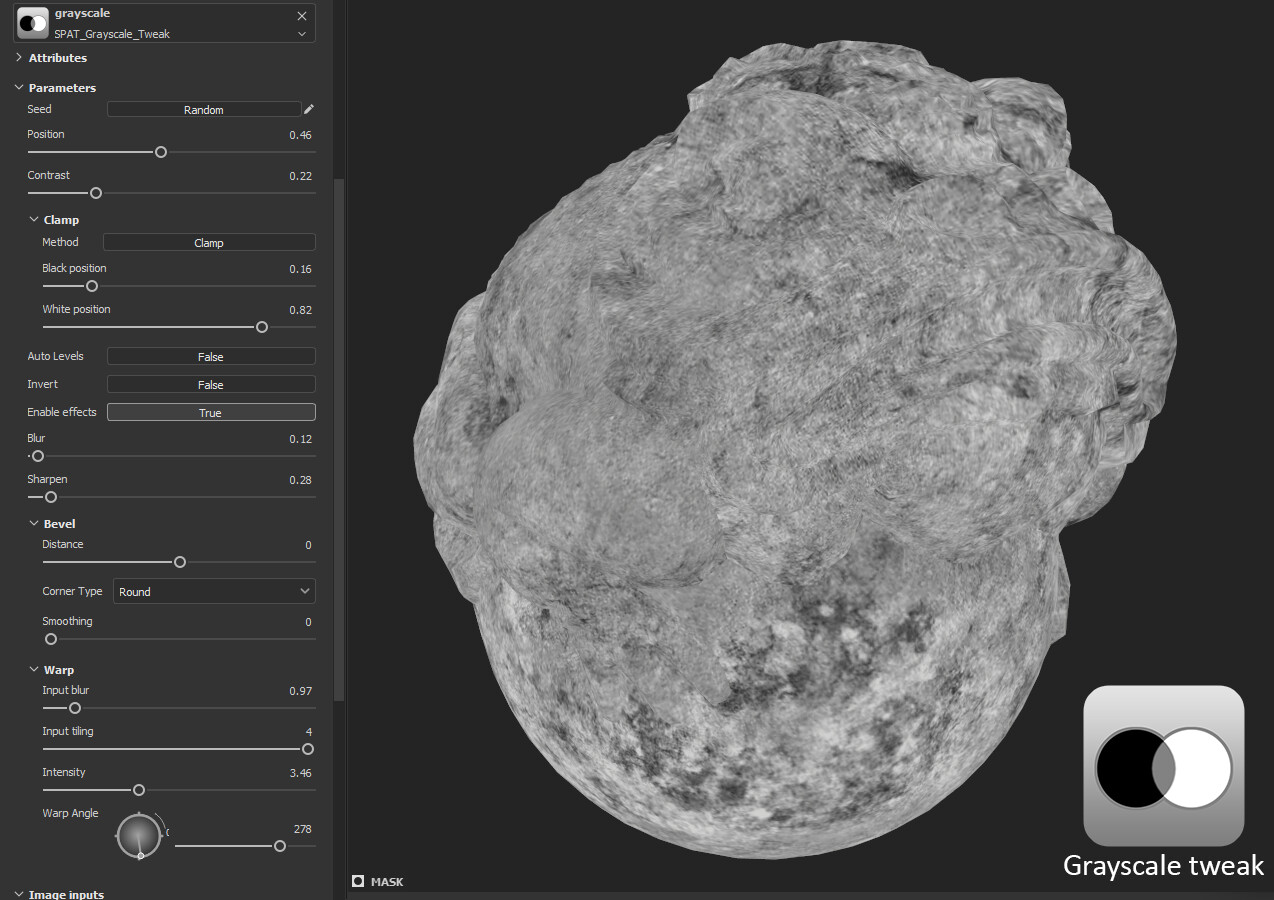
Grayscale tweak:It will allow you to tweak a custom grayscale texture. Great for adjusting non-procedural roughness maps or masks.
- New in version 2.0: Ability to work with "Multimask" textures. Now you can use RGBA textures as an input and select which channel you want to use as the grayscale input.
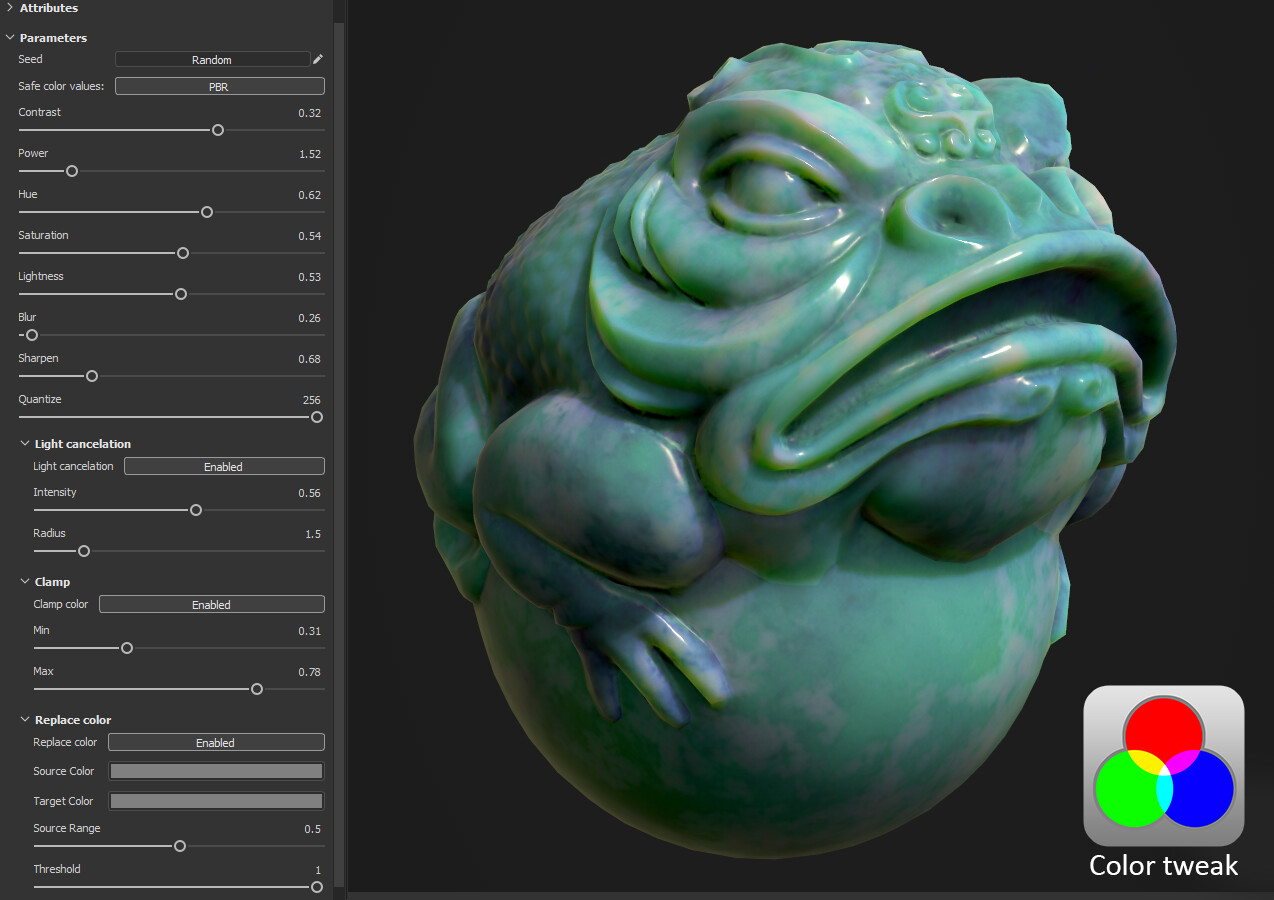
Color tweak: It incorporates the most common options to tweak the base color channel. Great for fine tunning and art direction!
Notes:
- All the parameters are explained in it's description in order to give you hints on how to use them.
- Feel free to request improvements or ask for new tools to be added to the pack
- All the tools have ben tested in Adobe Substance 3D Painter version 9.1
Release Notes
General:
- New documentation webpage that contains instructions on how to import and use all the tools
- New showcase videos of each tool on different situations
Grayscale tweak:
- FIX - Compatibility with the latest versions of Painter
- FIX - Changed the type to "procedural" in order to work in single channels and mask's fill layers
- NEW - Ability to take anchor points as input
- NEW - Added the option to use an RGBA input and select any of it's channels as input (usefull for working with multimask textures)
Mask extension:
- FIX - Debug display it's now able to show the comparison when the mask its being expanded
- Updated - The "Mask Control" slider have been inverted to be more intuitive. Now "Right" = Expand and "Left" = Shrink
- Updated - Enhanced "Debug display" mode: Shows a comparison between the original and de modifyed masks with a checker overlay and a border to easily preview the modification
- New - Aded an FXAA filtering to prevent aliasing. (you'll keep getting aliased borders when using high values)